WebhookMon
Webhook Debugging Guide
Test Stripe webhooks locally without ngrok
Short answer
Use the Stripe CLI. It's built for exactly this and doesn't need a tunnel:
stripe login
stripe listen --forward-to localhost:3000/webhook
This authenticates the CLI to your Stripe account, opens a connection to Stripe's API, and forwards any event your account generates (or one you trigger with stripe trigger) to your local server. There is no public URL involved: the CLI's connection is outbound. It prints its own signing secret starting with whsec_, which is different from the secret of any endpoint in your Stripe dashboard — put the CLI's one in your local environment variables while you test this way.
Trigger a test event
With stripe listen running in one terminal, fire a specific event type from another:
stripe trigger payment_intent.succeededThe CLI logs each forwarded event and your server's response code, which is often enough to confirm your handler runs at all before checking the signature logic.
Where it stops being enough
- One machine, one terminal. Close it, and events stop forwarding; nothing queues up while it's down.
- No URL of its own, and its own secret. Events reach you only through the running CLI, so there's no address to hand to a teammate or paste into a staging config, and the CLI's
whsec_secret differs from your dashboard endpoint's, so a handler configured for one rejects events signed with the other. - Stripe only. Polar, GitHub, Shopify and Slack don't have an equivalent CLI, so you're back to a generic tunnel or a public staging server for those.
- No signature verdict. If your handler rejects an event, the CLI shows the HTTP status your server returned, not why the signature itself was wrong.
- Replays are exact, not re-signed.
stripe events resendreplays with a fresh signature and timestamp, but only for Stripe and only events Stripe still has.
The easier way: WebhookMon
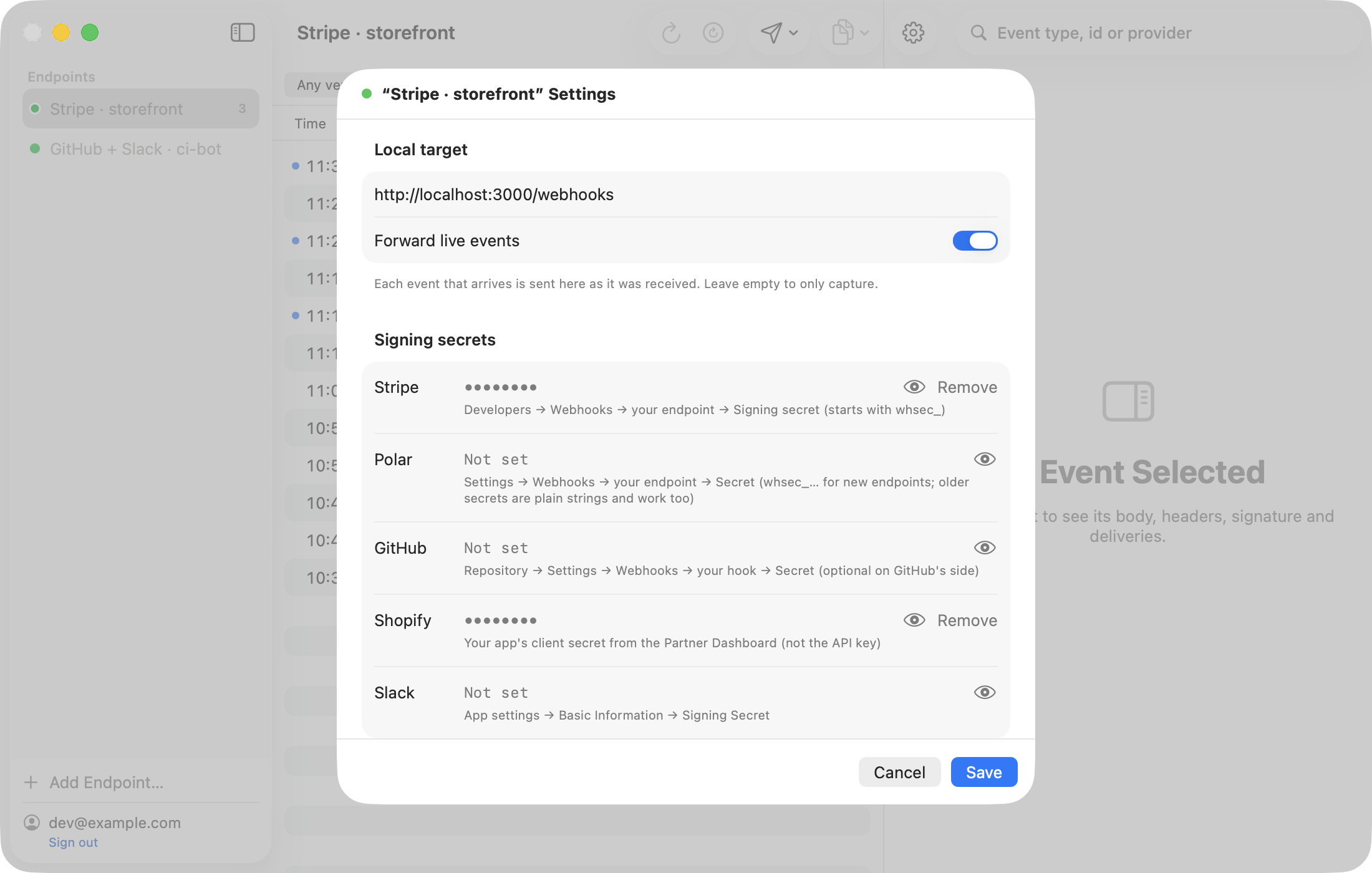
WebhookMon gives each endpoint a URL that doesn't change between runs, queues events for up to 24 hours while your Mac is asleep or your server is down, and works the same way for Stripe, Polar, GitHub, Shopify and Slack. Every event gets a plain-English signature verdict, and replay can re-sign with the current timestamp using the secret you configured.