WebhookMon
Webhook Debugging Guide
Slack: "Your URL didn't respond with the value of the challenge parameter"
Short answer
When you save a Request URL under Event Subscriptions, Slack immediately POSTs a JSON body like this to it:
{ "type": "url_verification", "challenge": "abc123...", "token": "..." }Your endpoint has to respond within 3 seconds with a 200 and a body that is exactly the challenge value, either as plain text or as JSON {"challenge": "abc123..."}. If it doesn't, Slack shows the error above and won't save the URL.
Handling it
app.post('/slack/events', express.json(), (req, res) => {
  if (req.body.type === 'url_verification') {
    return res.status(200).send(req.body.challenge);
  }

  // handle real events here
  res.sendStatus(200);
});
Do this check before anything else in the handler, including signature verification of the raw body if you're validating X-Slack-Signature — the verification request is one of the few Slack sends without a meaningful signing secret concern, since it carries no user data.
The 3-second rule doesn't stop there
Every Slack event, not just url_verification, needs a 200 within 3 seconds or Slack treats it as failed and retries, adding an X-Slack-Retry-Num header. If your handling logic is slow — calling another API, writing to a database — acknowledge first and do the work after responding, or on a queue.
Behind a tunnel or relay
If you're using a generic tunnel, the URL only exists while it's running, so re-verifying after a restart means updating the Request URL in Slack's settings again. A relay with a stable address only needs to pass this check once.
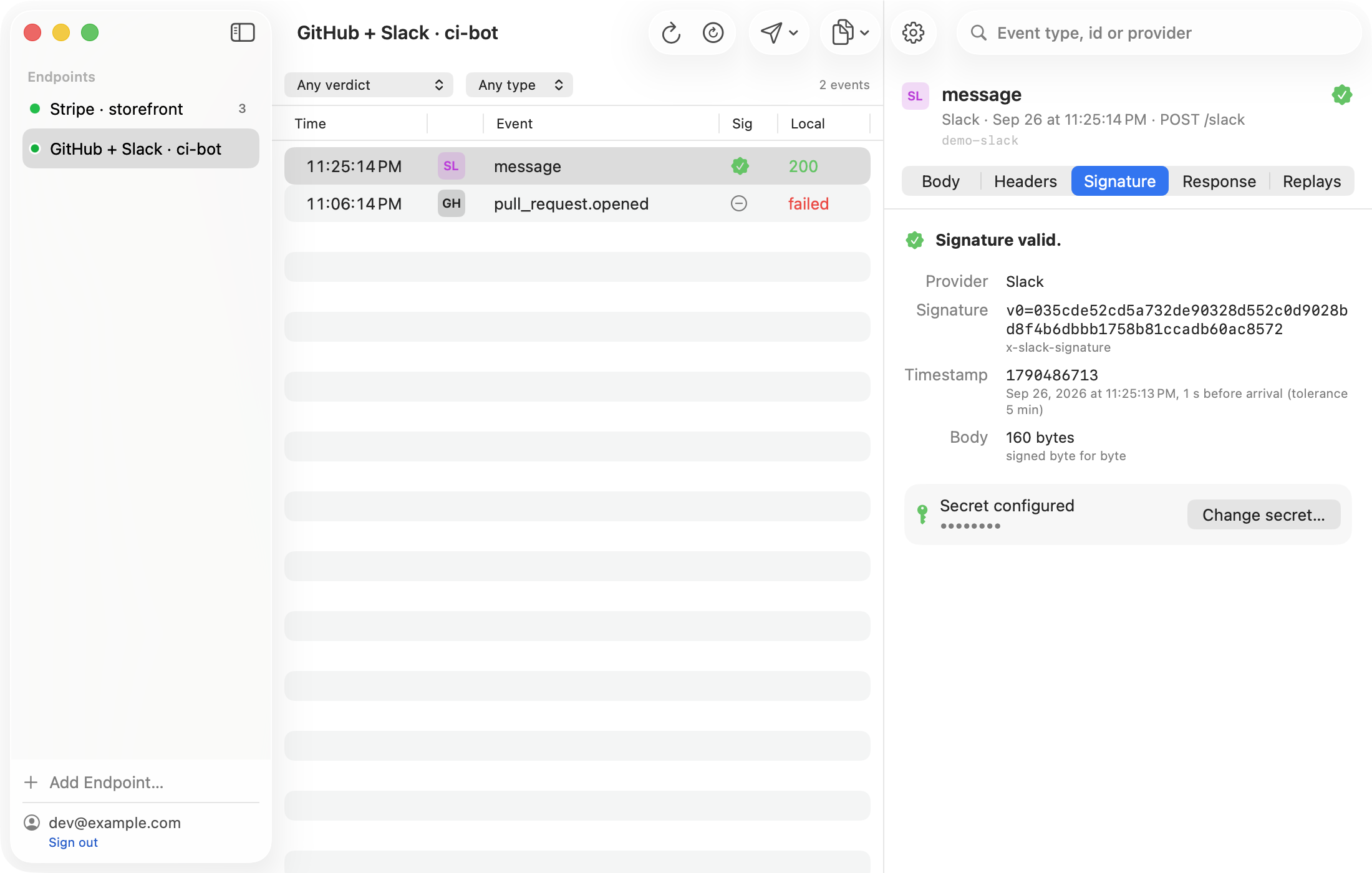
The easier way: WebhookMon
WebhookMon's relay answers Slack's url_verification challenge itself, at the edge, so it succeeds even before your Mac is running. Real events queue and forward once your local server is up, each with a verdict on its X-Slack-Signature.